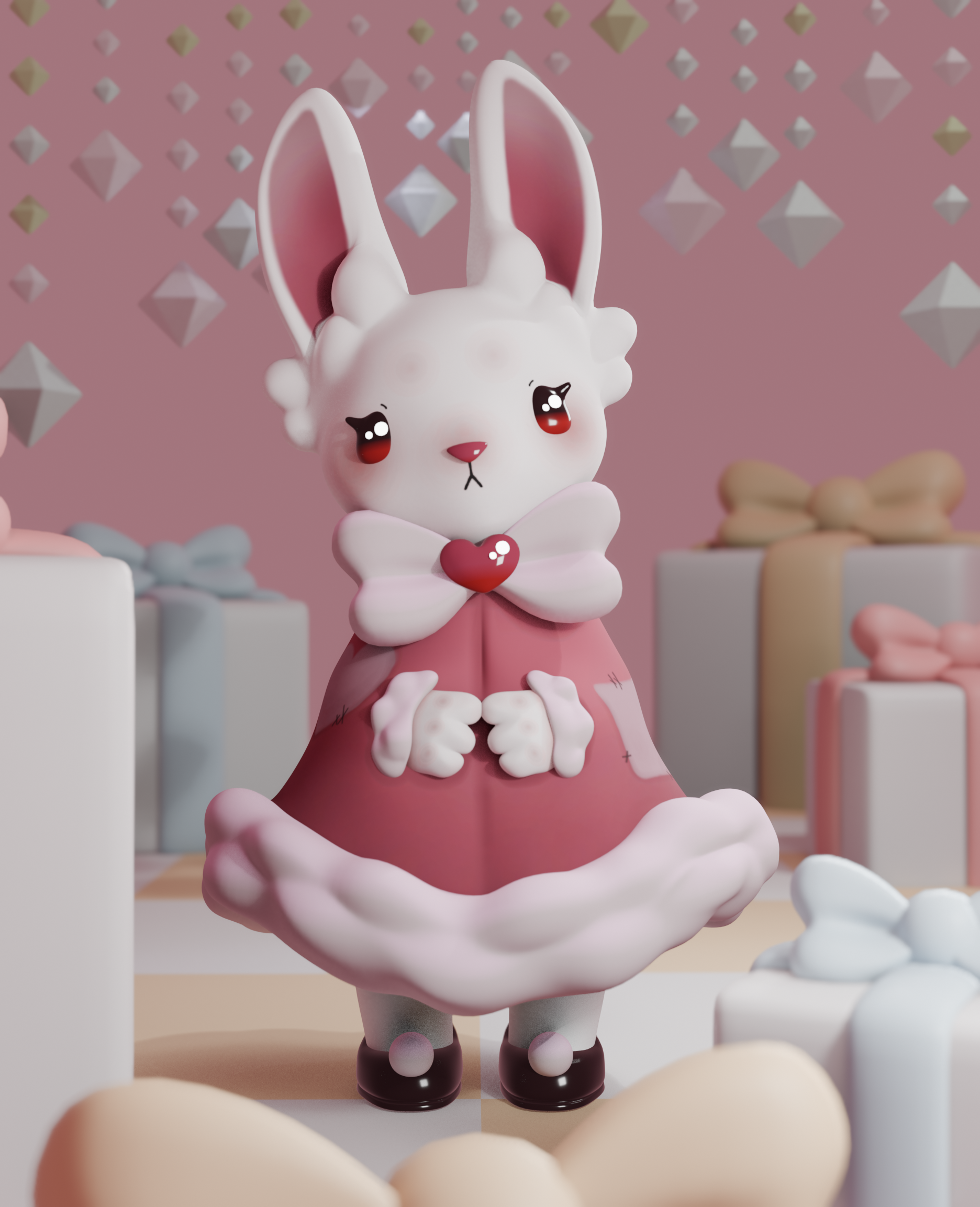
How I 3D Model
Step 1: Inspiration
Before I start making anything, I need a solid plan. What do I want to make? What colors will I use? What style will it take?
When beginning a model, I usually have a design or concept in mind already, but it’s always good to look at other artists for inspiration. I like making Pinterest boards of pictures or pieces that inspire me.
Step 2: Design
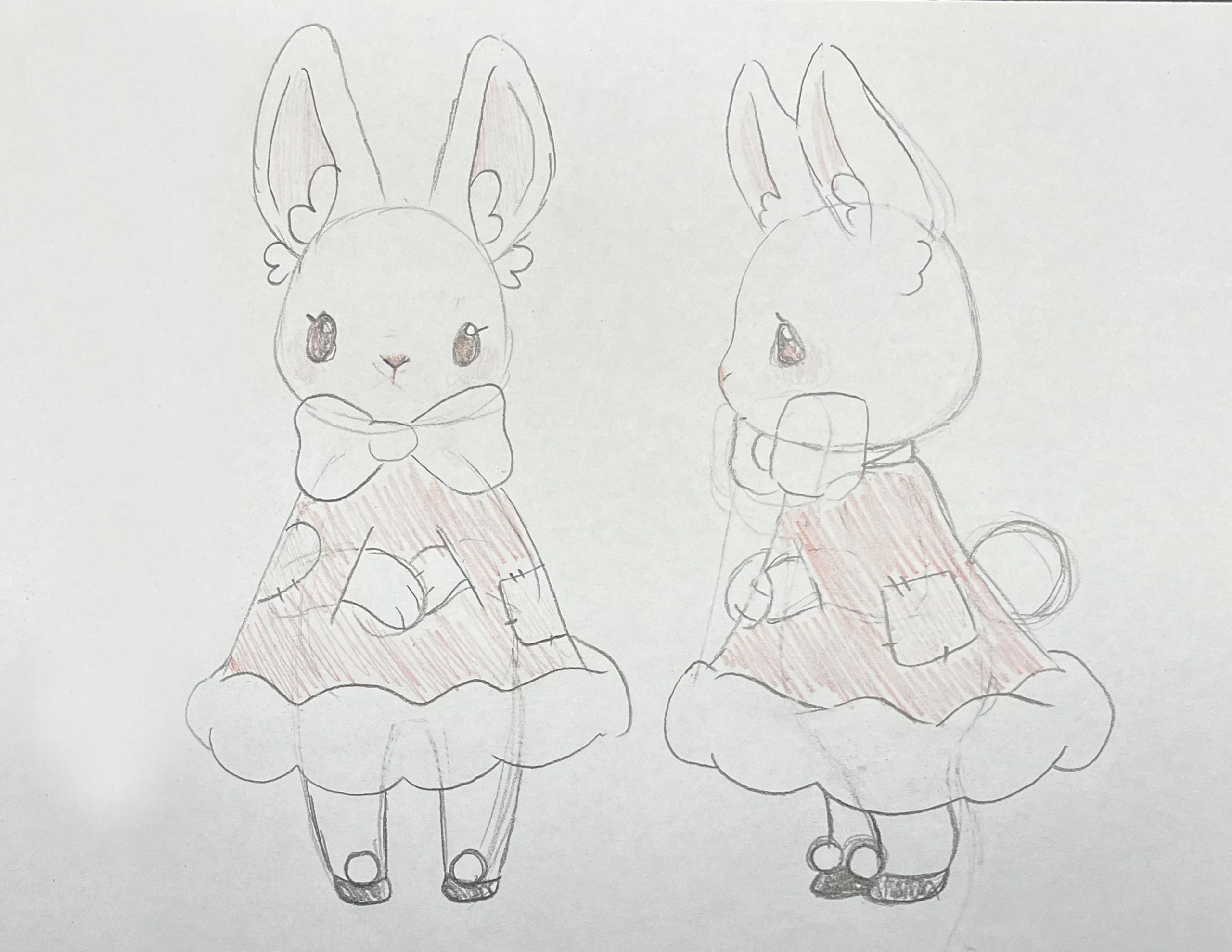
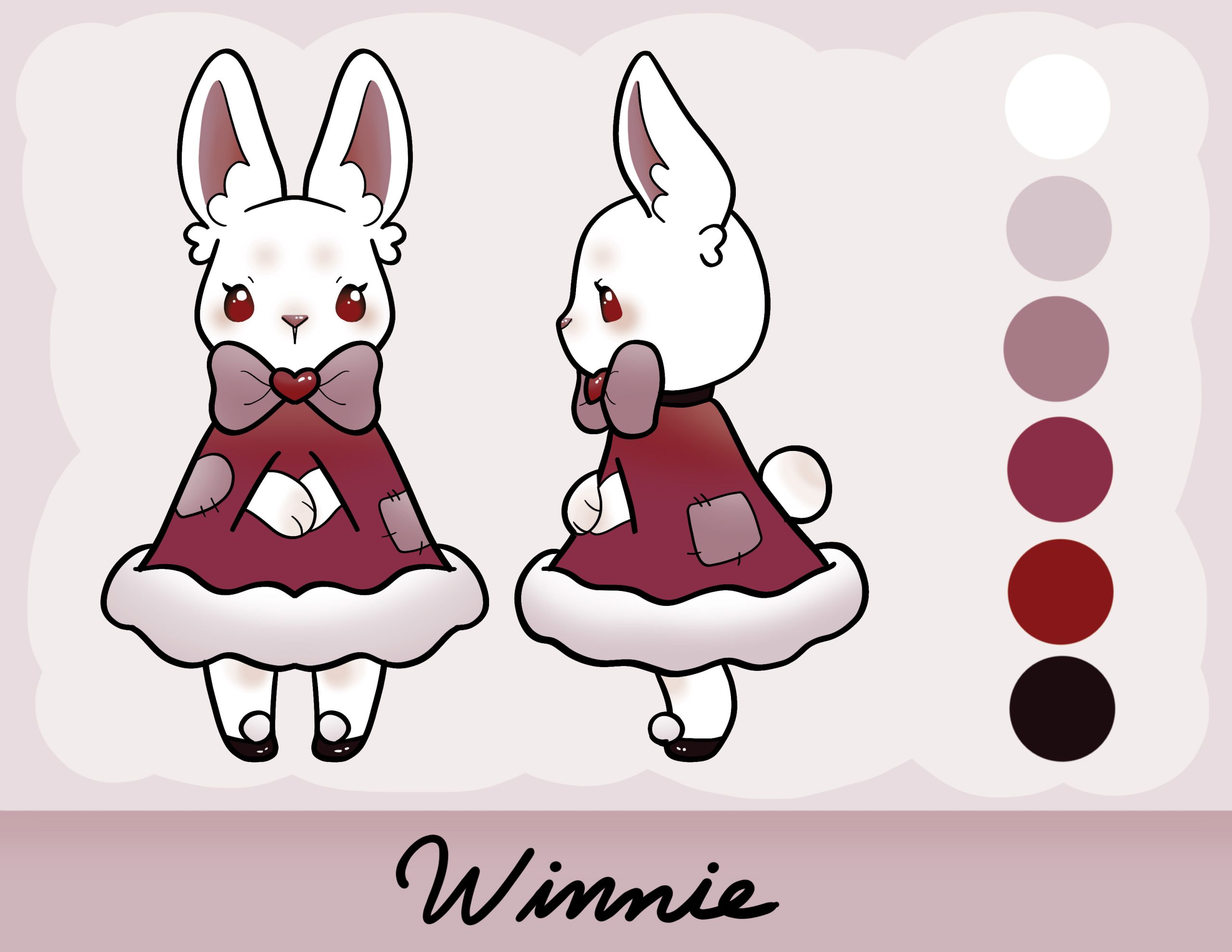
Once I have my inspiration, it’s time to start designing. I like to draw out my ideas on paper first, then take my favorite and digitize it. Normally, I have at least three or four different designs in mind, but sometimes I hit the design I want on the first try. This is rare, so I don’t get discouraged if I have to redraw my idea multiple times.
For 3D models, I find it best to have both a front and side view of my character. The digital drawing acts as my reference. I lower the opacity of the image in my 3D modeling program and model on top of it. This makes modeling a lot easier, because I’ve already figured out the proportions and shapes in 2D.
Step 3: Blocking out Shapes
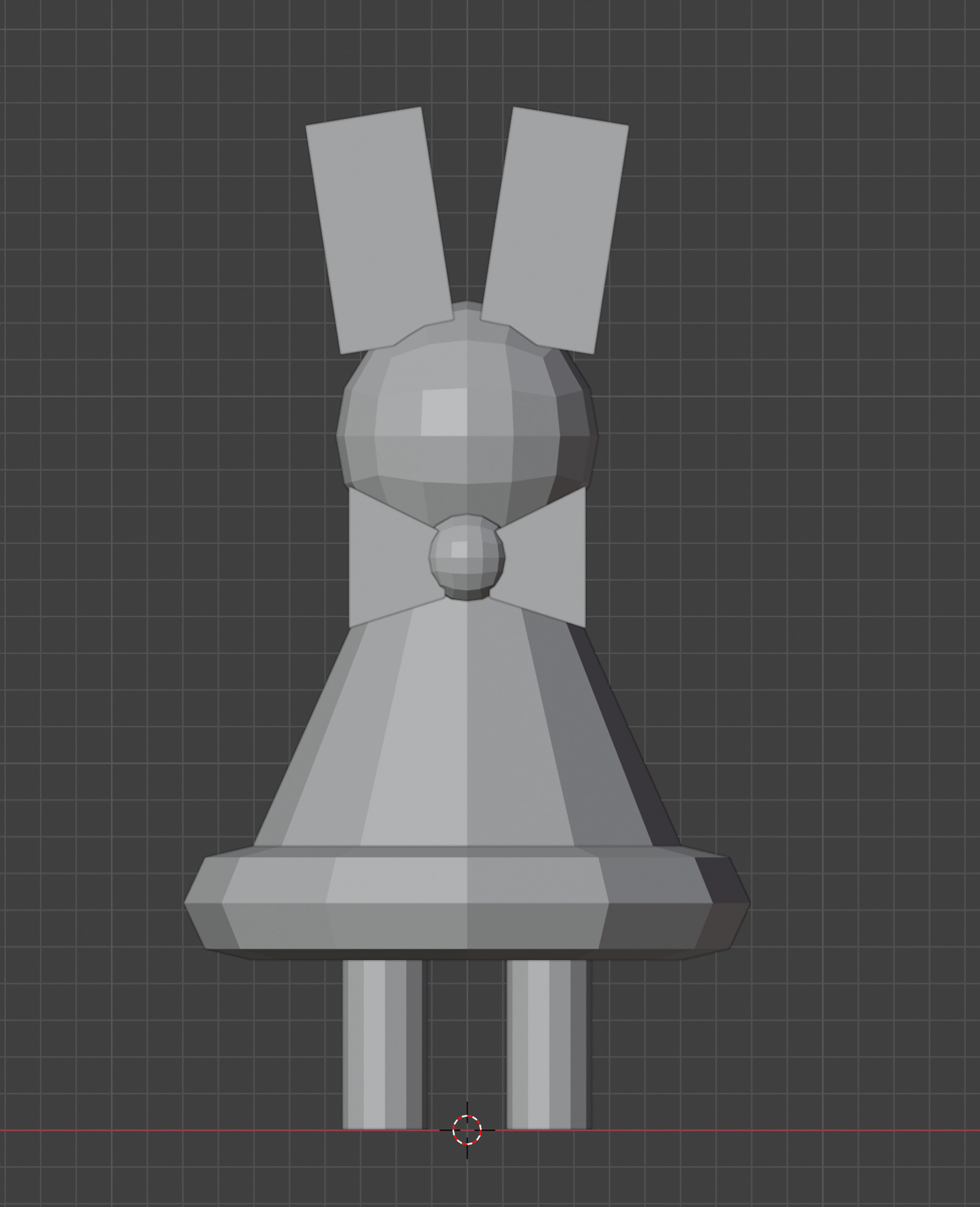
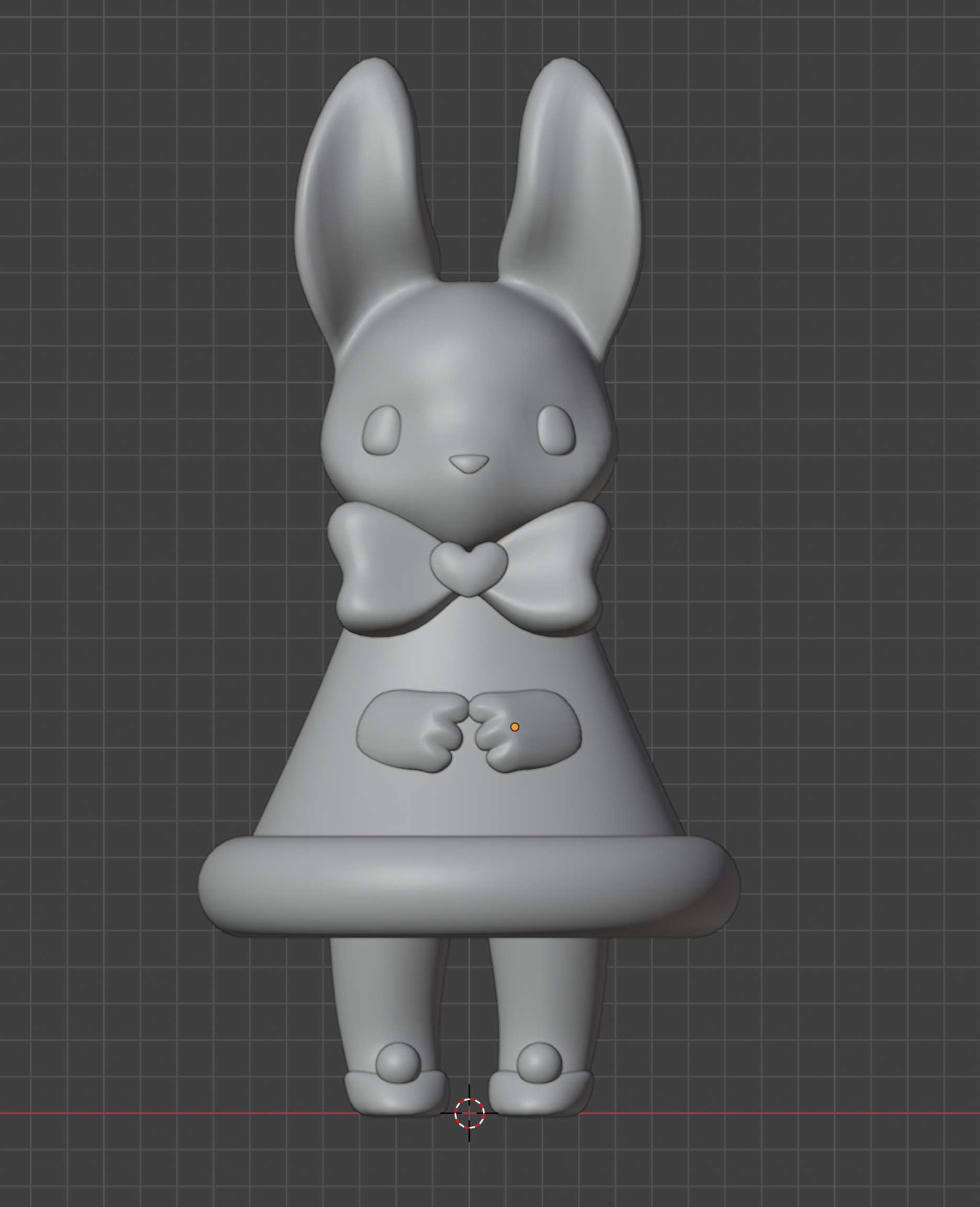
When 3D modeling, I don’t immediately start making detailed objects. After bringing in my reference images, I begin by blocking out my basic shapes. Almost every 3D model starts as a basic cube, sphere, or cylinder. For this one, I use a mix of those three shapes to make the base of my bunny.
- Her head, tail, and the heart on her bow are basic round cubes (basically spheres made up of chunky squares the computer can understand).
- Her ears and her bow start as cubes that I warp to better match the shape I want.
- Her legs and her dress are made of cylinders.
Overall, everything starts as really basic shapes.
Now, how do I take these shapes and turn them into something cute?
I change the shading from flat (where I can see every square) to smooth (where I can’t). I also add modifiers to make it look like I have more detail than I do. Modifiers tell the computer to simulate changes without permanently applying them, which makes things easier to manage until I get closer to the end.
Once I join my objects together, I can get to work refining the model. With just a subdivision surface modifier (which makes it seem like there’s more detail) and smooth shading instead of flat, I can turn those basic shapes into something much closer to my design in just a few minutes.
Step 4: Details in the Model
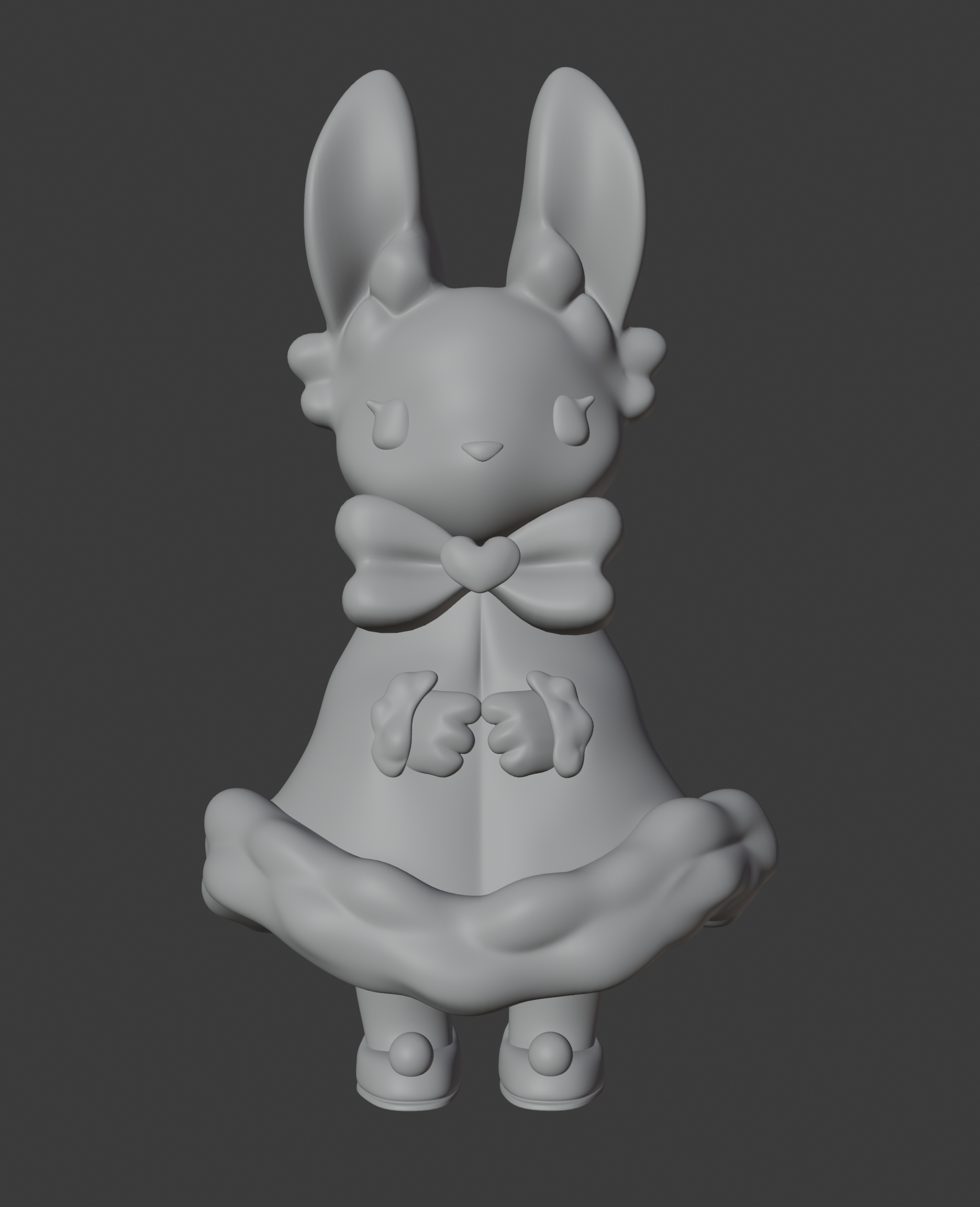
Now that my basic form is done, I move on to adding details. Things like the fluff on her ears, the texture of her dress, or the shape of her shoes. At this stage, I apply my modifiers to increase the model’s geometry so I have more points to work with. This is where I usually shift to sculpt mode.
There are different modes in 3D modeling programs.
- Object mode lets me move whole objects but not edit specific parts.
- Edit mode lets me work with individual components like vertices and edges.
- Sculpt mode lets me use brushes to add or remove volume, and it’s the mode most people think of when they first hear about 3D modeling.
The level of detail increases across these modes, so I try to move from least detail to most so neither I nor my computer gets overwhelmed.
Step 5: Colors and Painting
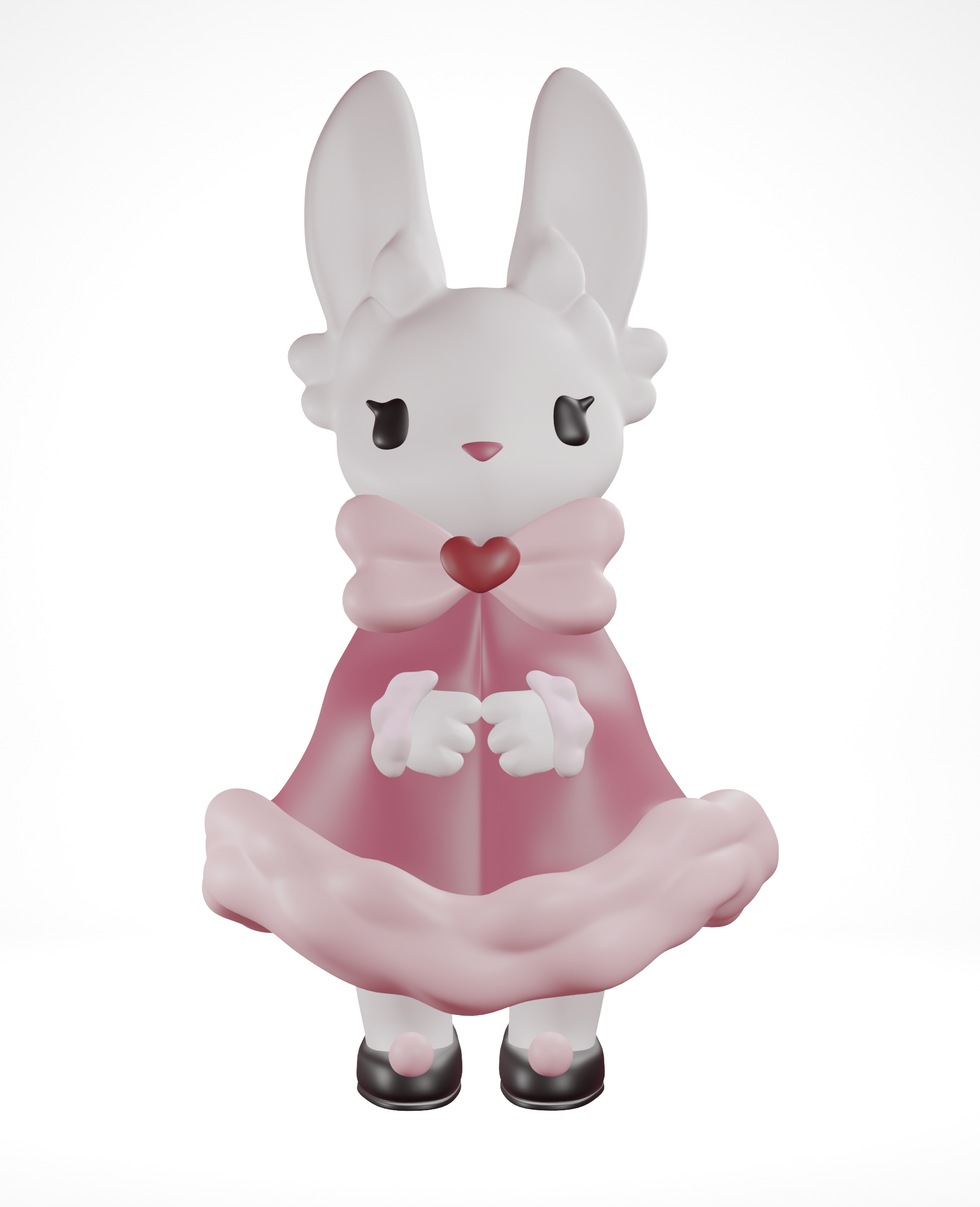
Now my model is done… physically, at least. She’s still completely gray, so it’s time to add color. Just like when modeling, I block out my colors first before refining the details.
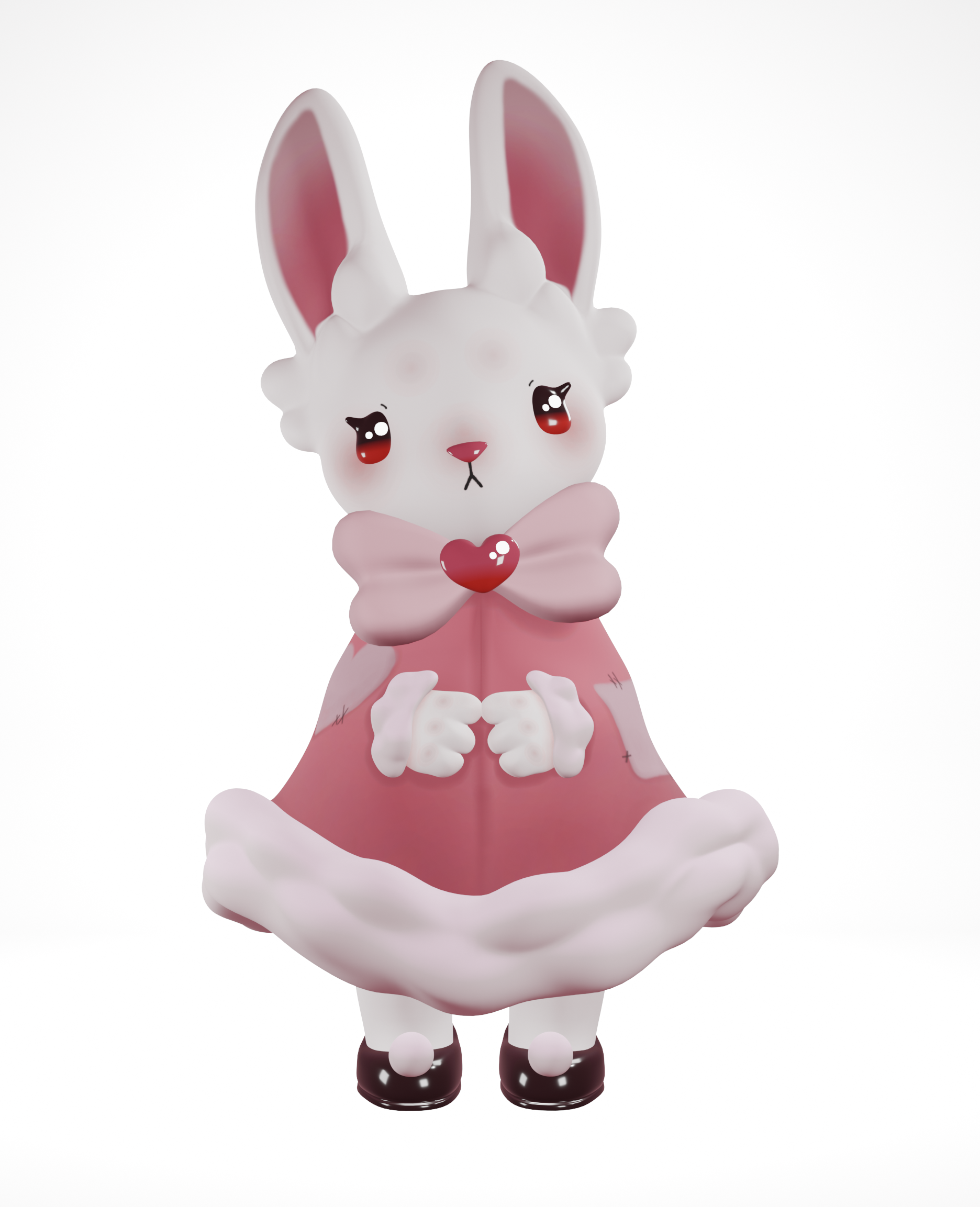
This is where stylistic choices start to branch out between artists. Some people use simple materials, some create realistic textures, and some paint directly onto their models. For this one, I paint directly onto it. It’s the easiest way for me to add the small details I want on her face and dress.
Optional Step 6: Make a Scene
She’s done! If I want to, I can leave her just like this and she’d still look great. But I can also give her a cute environment to exist in. I apply the same processes I used to create her to build a space for her to be posed in.
I also adjust the lighting so she isn’t just lit by plain white light. White light works fine, but with the cutesy vibe I’m going for, pastel lighting tends to fit much better.